
Bardin Vault
Connect Your Data


Overview
Industrial sales teams rely on scattered data across files, systems, and people. Bardin Vault brings it all into one place. Connect your systems, structure data your way, and turn it into a single source of truth that powers answers, agents, tools, and projects.
Upload, Import, or Connect
01
Drag and drop datasheets, manuals, and specs. Import contacts and product catalogs via CSV or Excel. Connect your CRM to sync customer and company data. However your data exists today, it gets into Bardin.
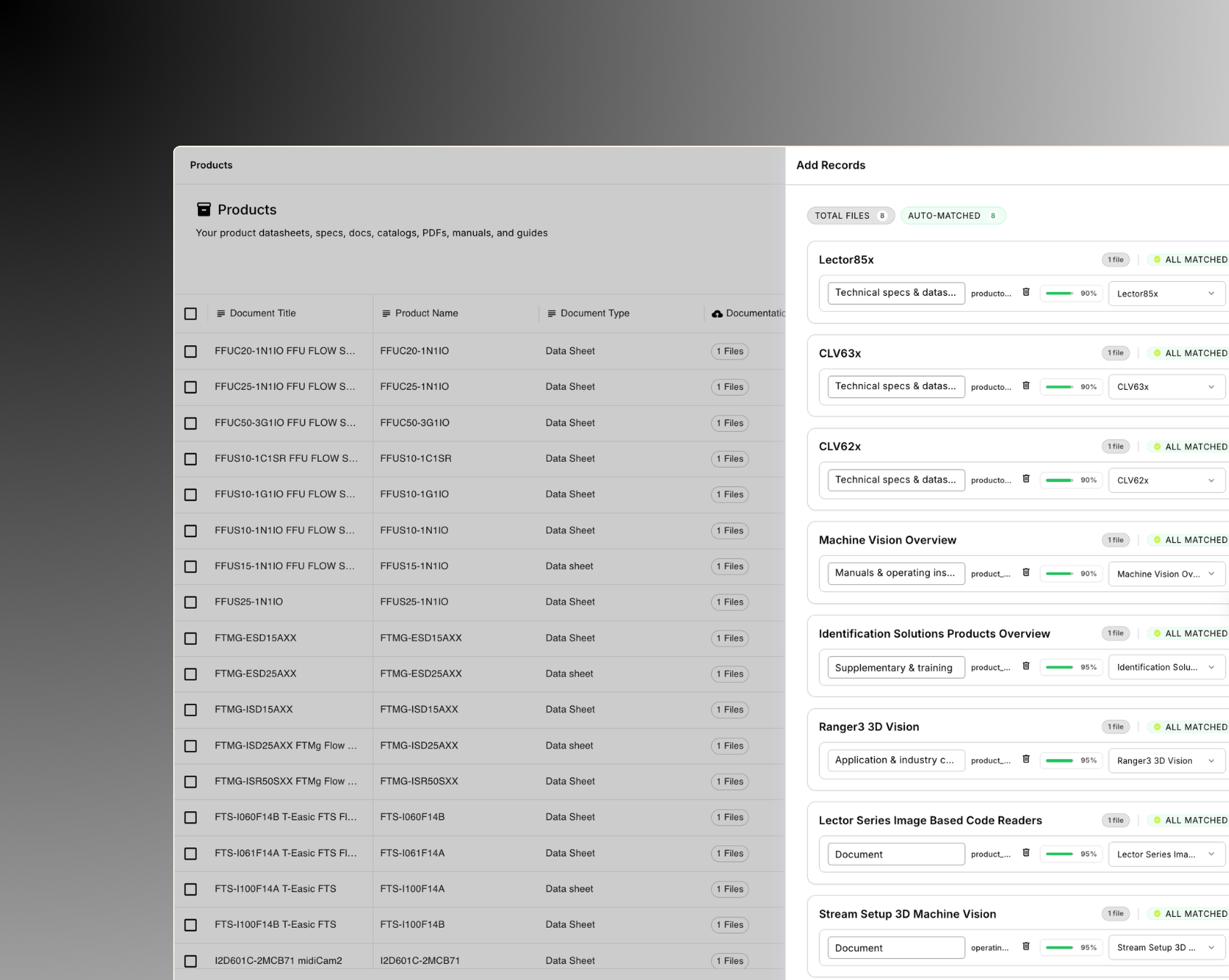
Structure It Your Way
02
Add custom columns, define product variations, and organize data with the fields that matter to your business. No rigid templates. Your vault matches how your team actually works.
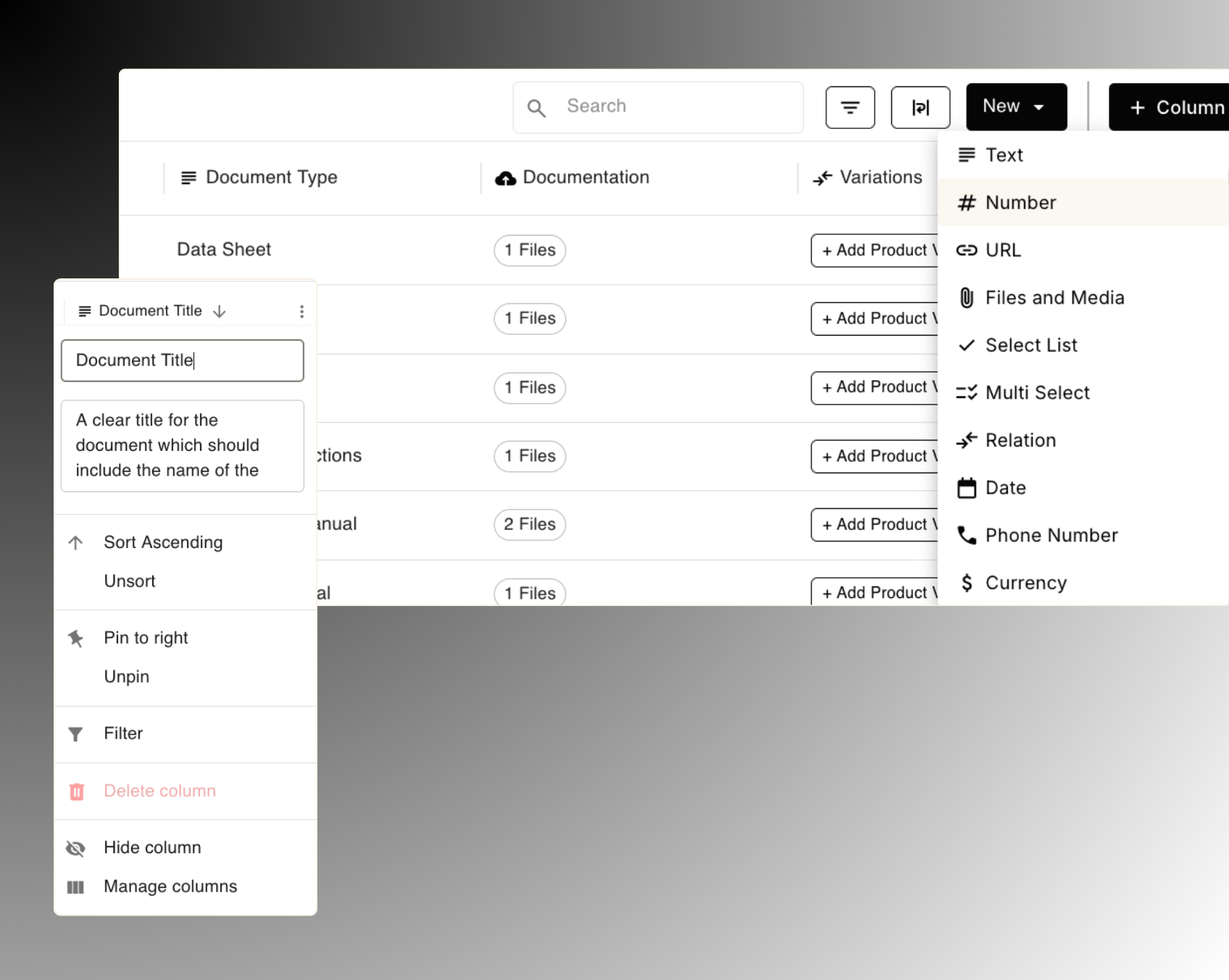
Built-In and Custom Vaults
03
Bardin comes with dedicated vaults for products, projects, and standards. Need more? Create custom vaults for pricing, standards, test results, certification requirements, or anything else that supports the sale. Every vault becomes a knowledge source that chat, tools, and agents draw from.
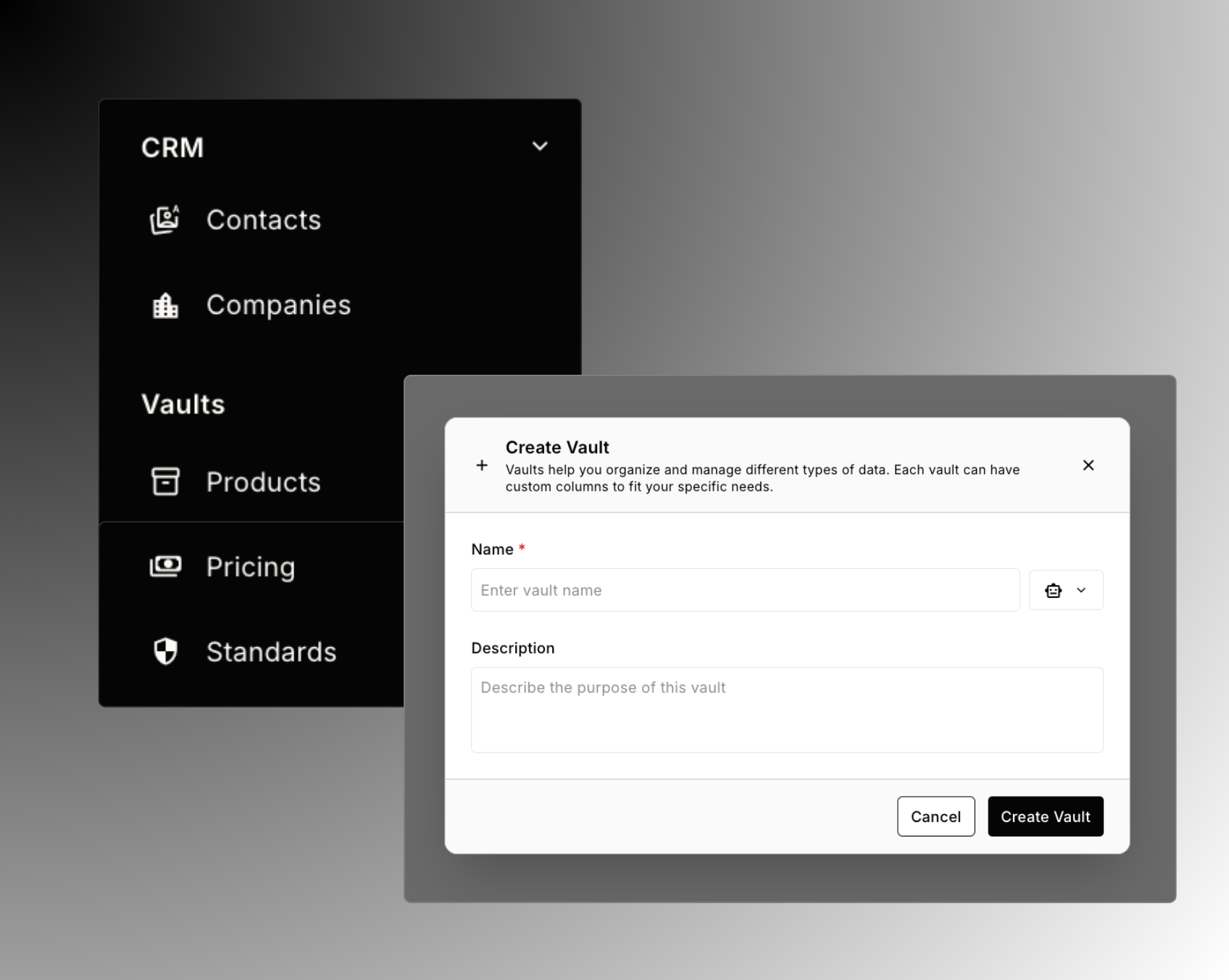
.png)


.png)
Get Started